Compare & Choose

USB-C hub or docking station?

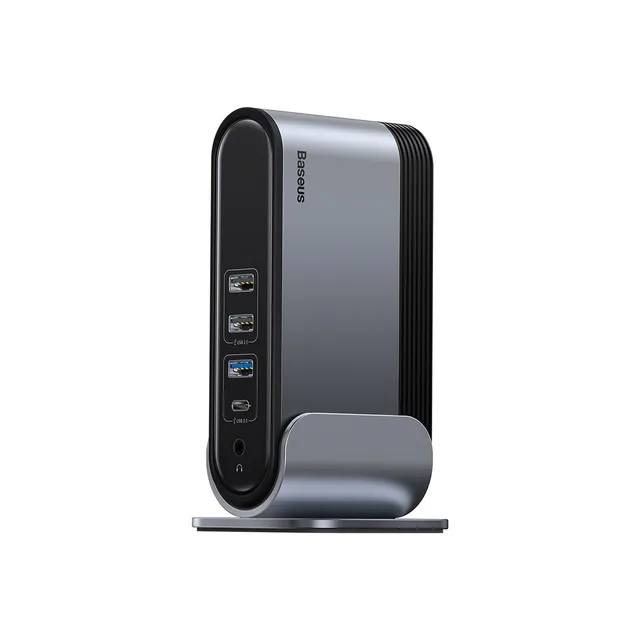
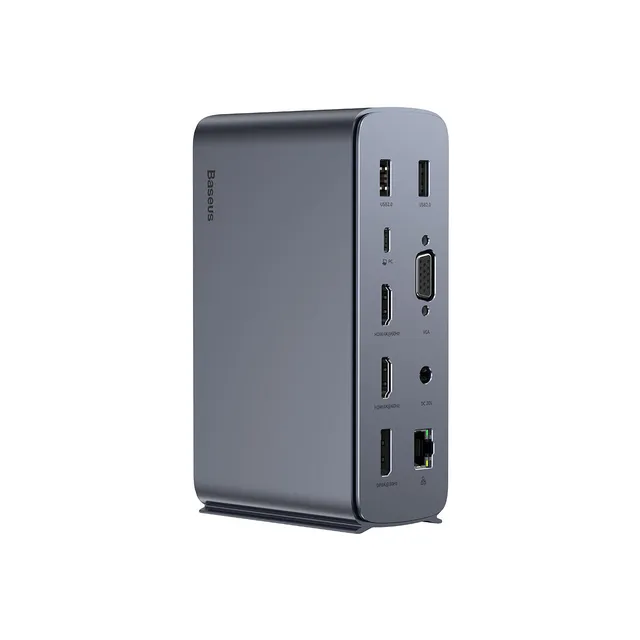
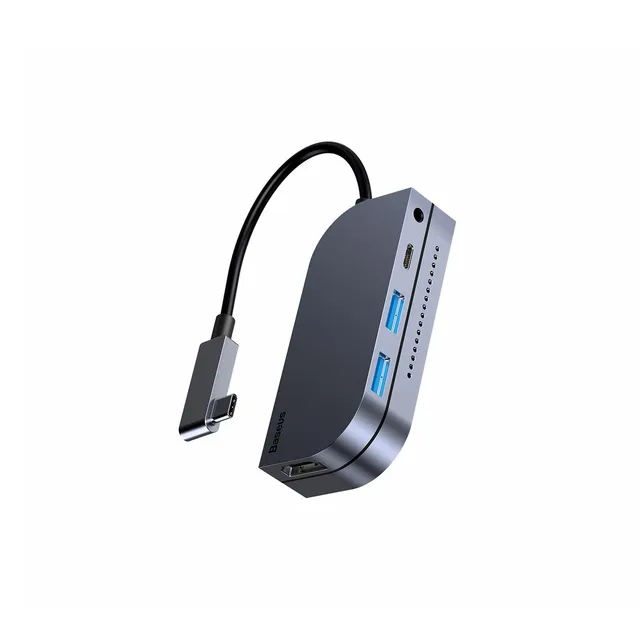
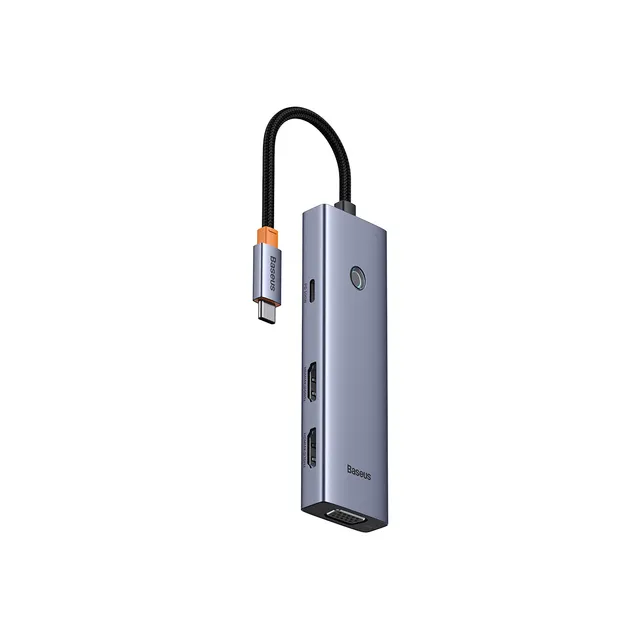
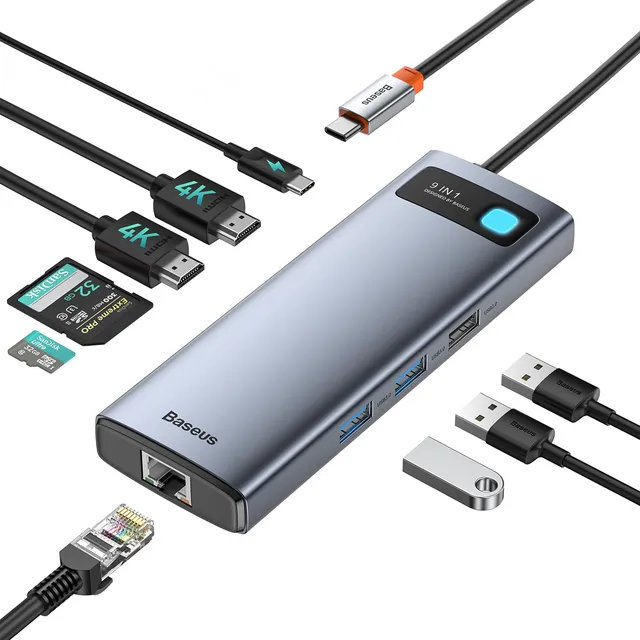
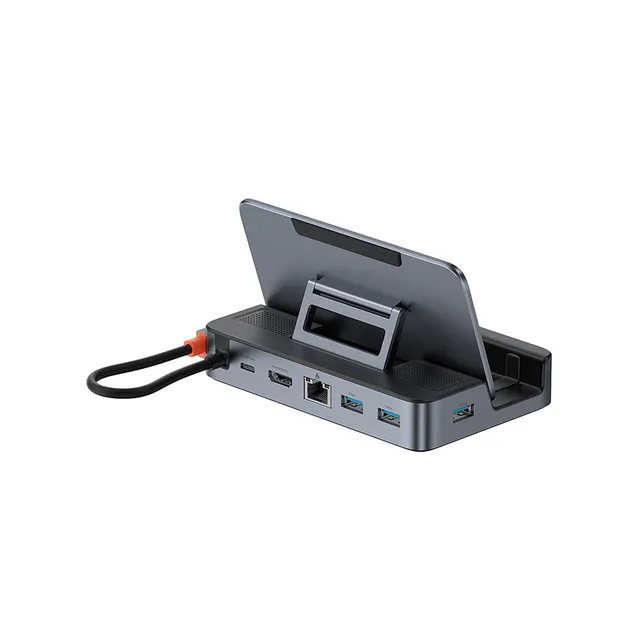
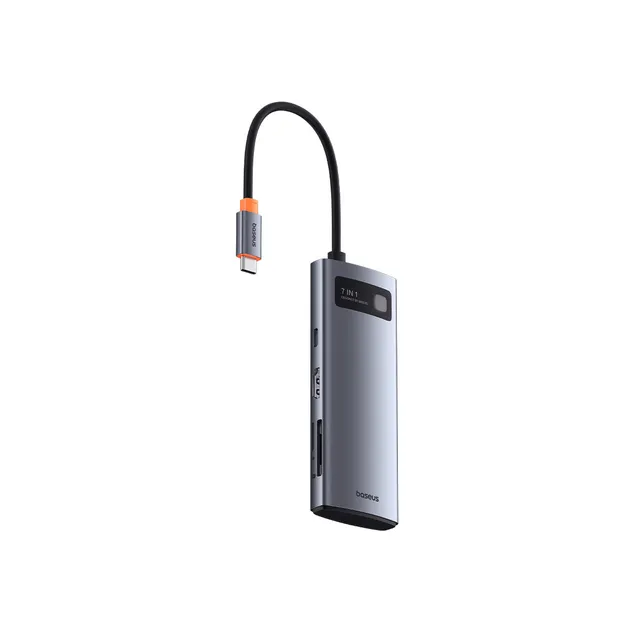
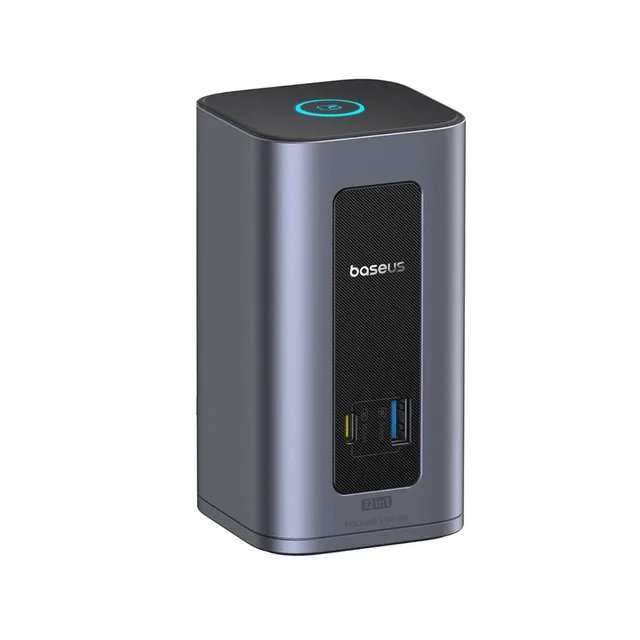
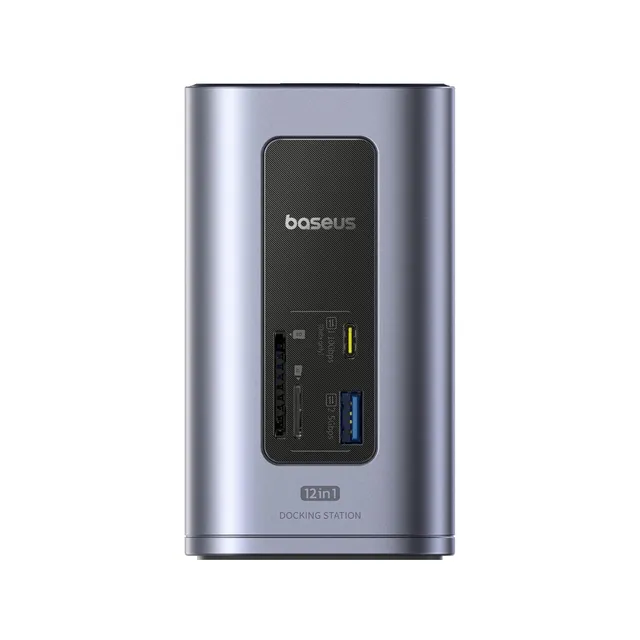
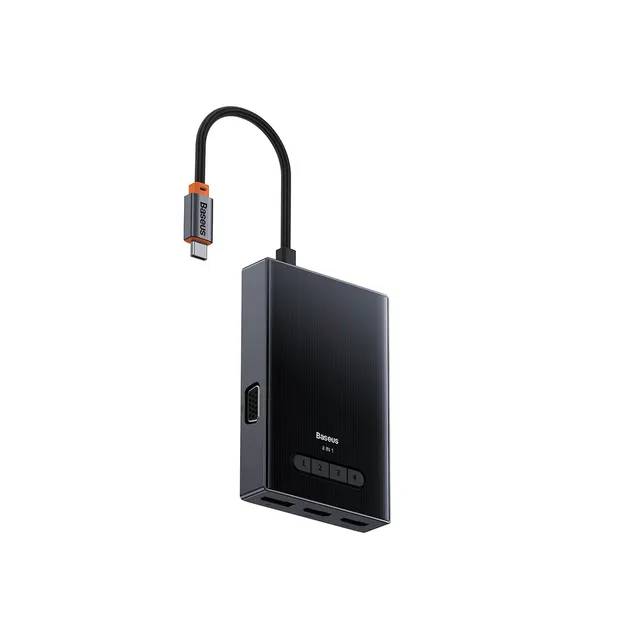
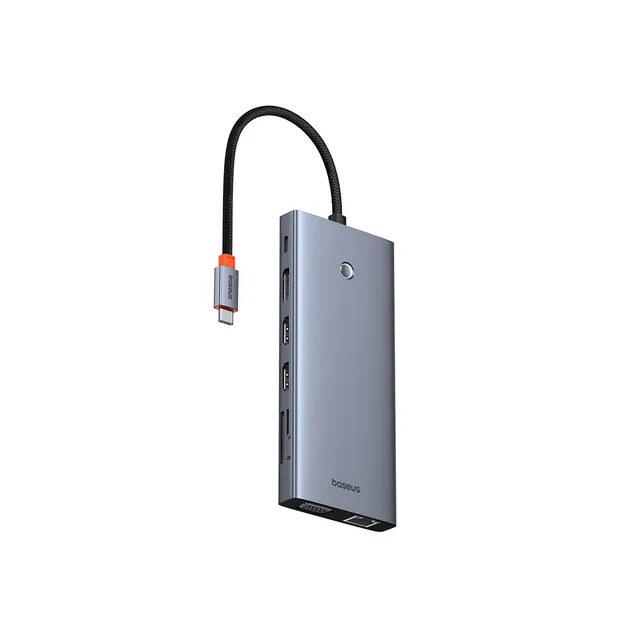
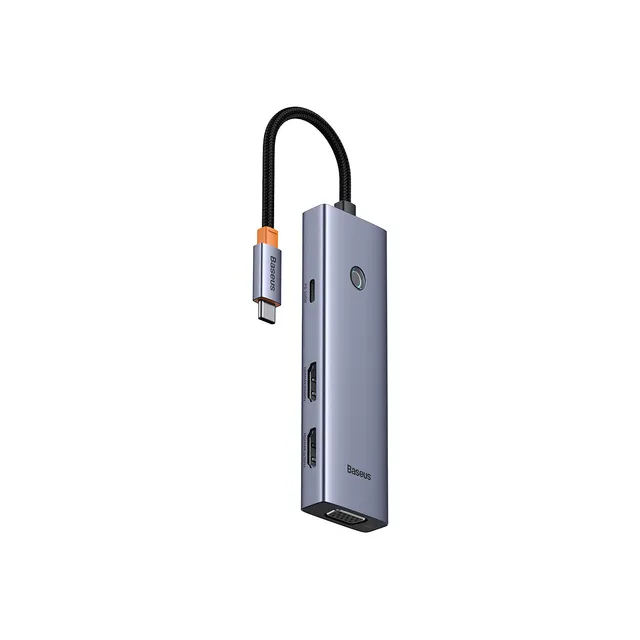
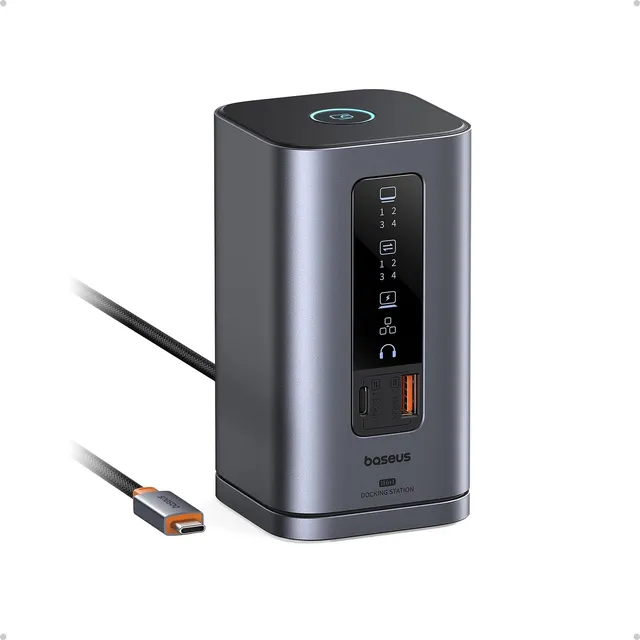
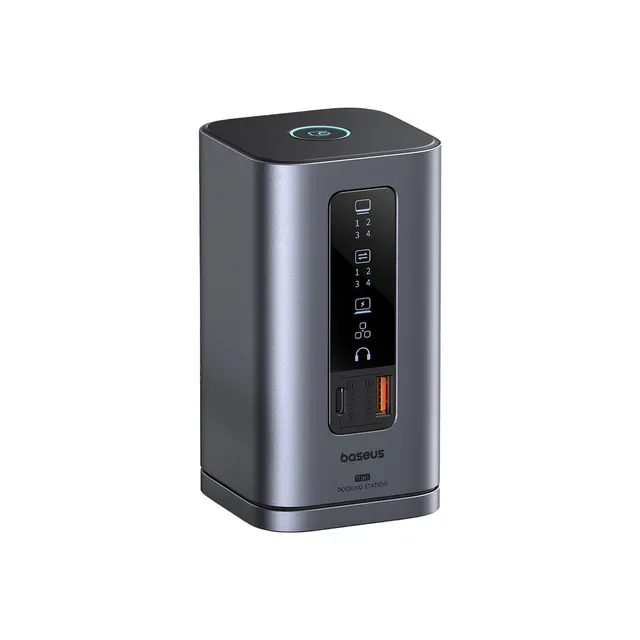
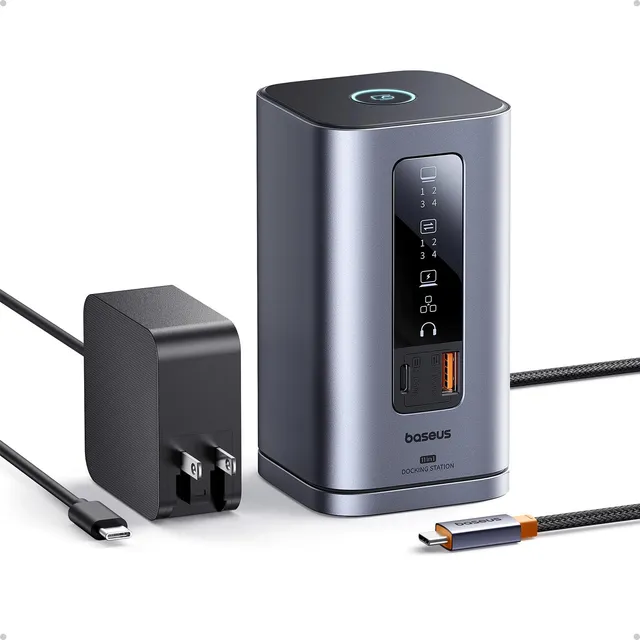
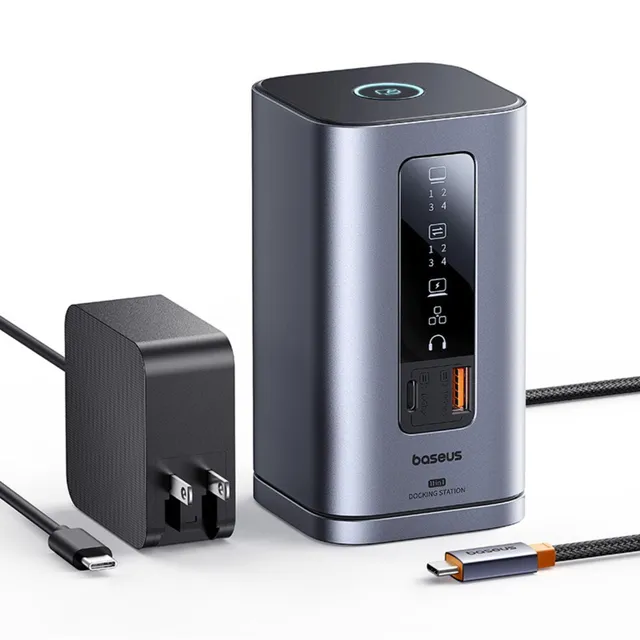
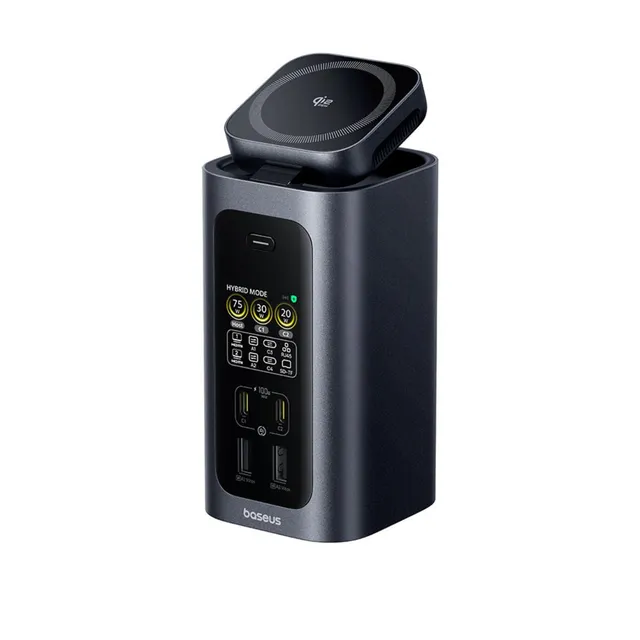
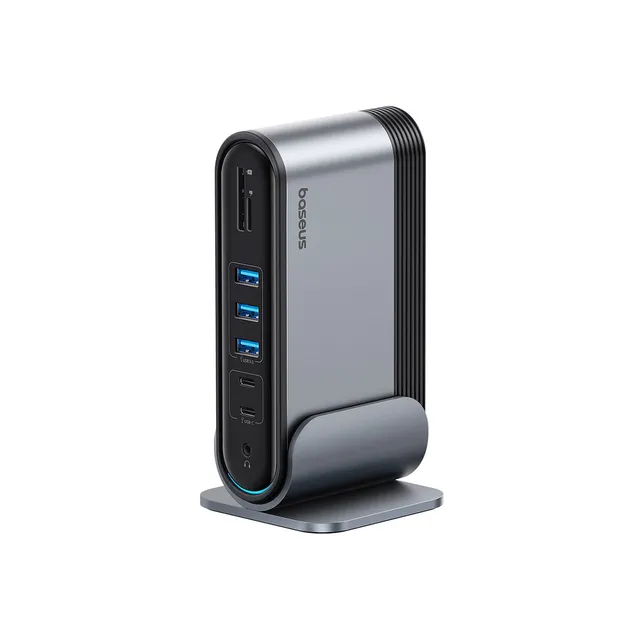
A USB-C hub is the affordable, pocket-sized option for adding HDMI, USB-A and card readers on the go. A desktop dock adds power delivery, Ethernet and more ports for a permanent setup. For dual monitors, check your laptop's limits: M1/M2 MacBook Air needs a DisplayLink-based dock for a second external display, while MacBook Pro and most Windows laptops drive two screens over native USB-C/DisplayPort. If an external monitor isn't detected, install the latest dock driver or firmware, use a full-featured USB-C cable, and confirm your laptop supports DisplayPort Alt Mode.
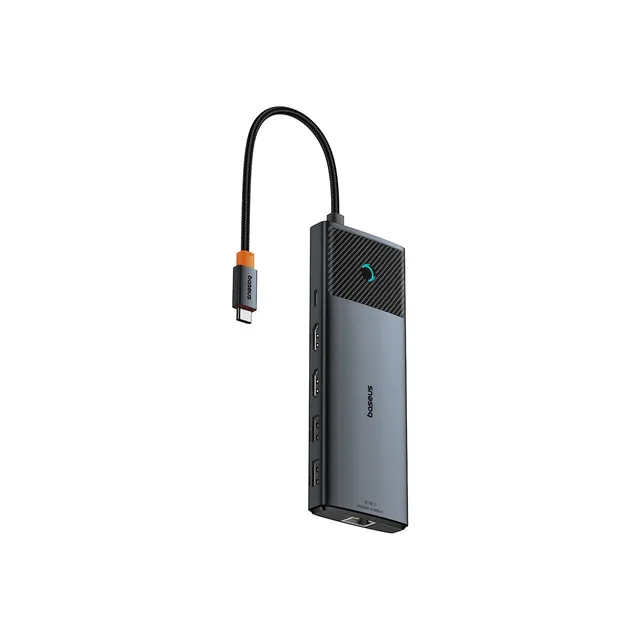
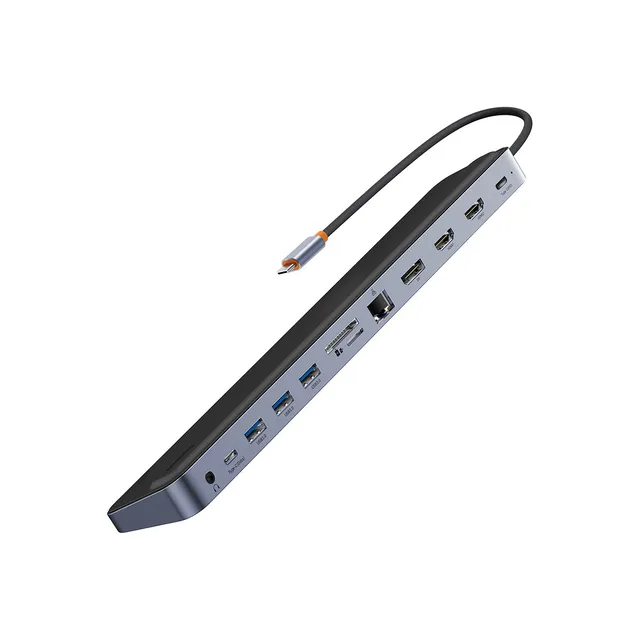
How do I set up dual monitors with a Baseus USB-C hub?

Connect the hub to a USB-C port with DisplayPort Alt Mode, attach each monitor via HDMI or DisplayPort, then arrange displays in your OS settings. M1/M2 MacBook Air users need a DisplayLink dock and its driver software for two external screens.

How much do Baseus docks cost?

At AmpLeaf Goods, Baseus hubs and docking stations range from $10 to $95. Compare port counts and display support to find the best value, and apply LEAF10 for 10% off eligible orders.

Where can I download Baseus docking station drivers?

Driver and firmware files for DisplayLink-based Baseus docks are provided with the product documentation — follow the included instructions to install on Windows or macOS for multi-monitor support.

Are there discounts or promotions on Baseus docks?

Yes — watch for current sale prices and seasonal offers in this collection, and use the LEAF10 coupon at checkout for 10% off eligible items.

10% offer ends today.

00Hours 00Min 00Sec