Baseus Spacemate 11-in-1 Docking Station — $67.50 Sale, Buy Online
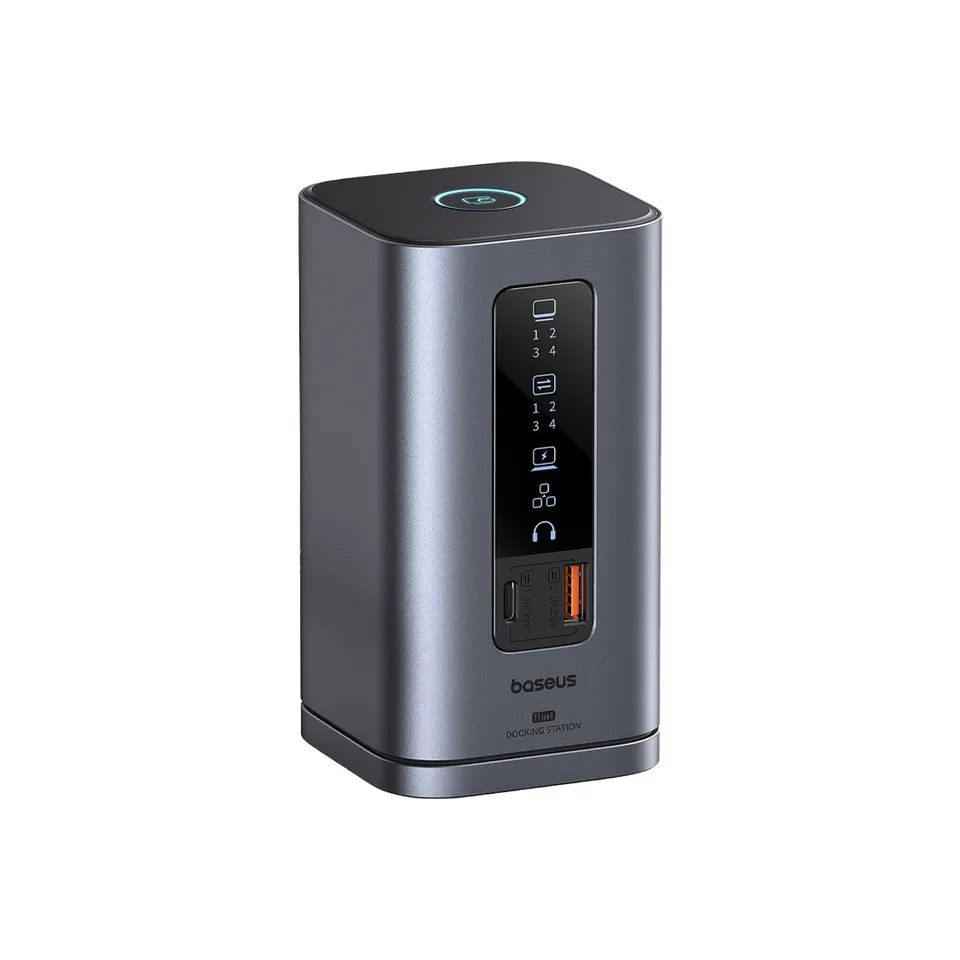
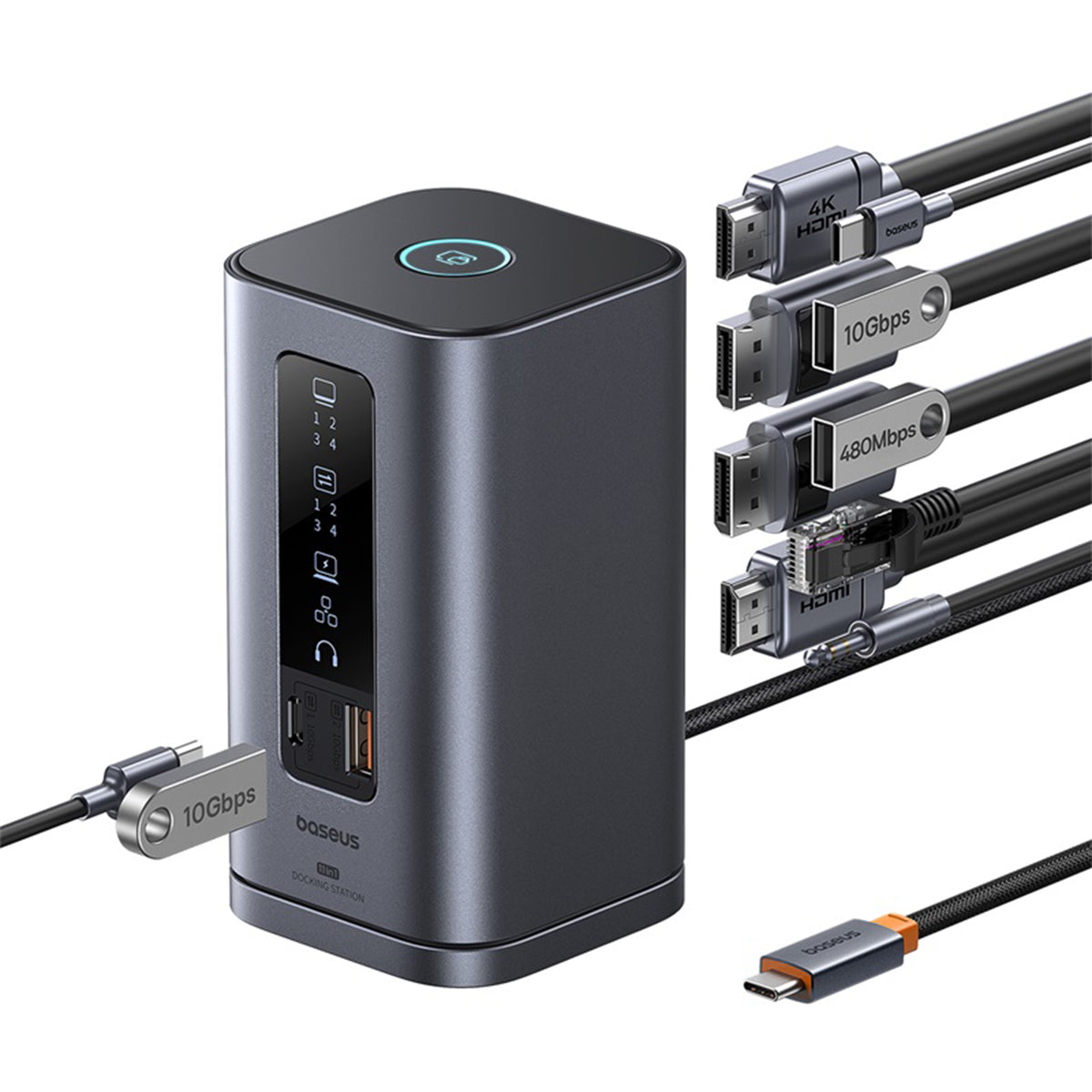
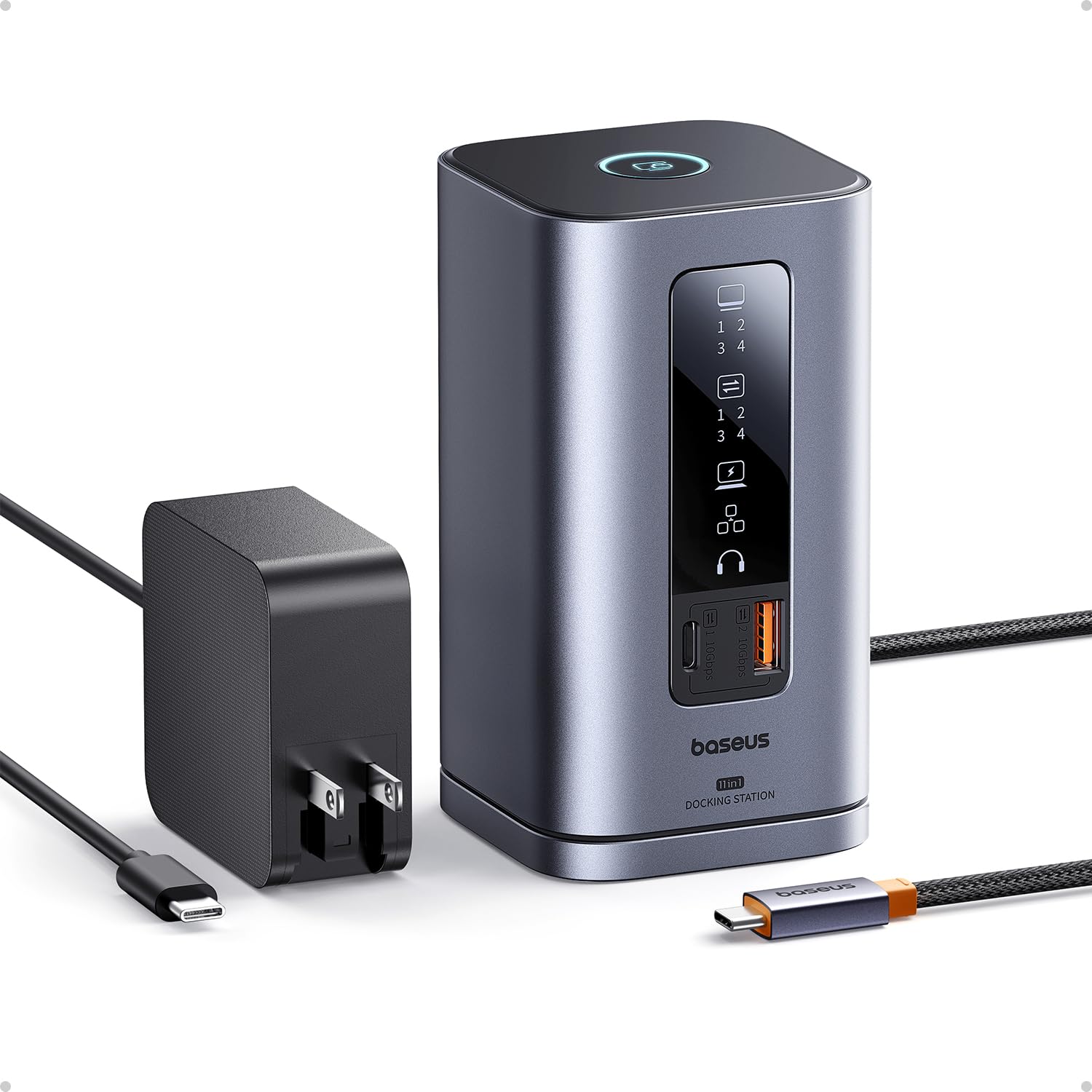
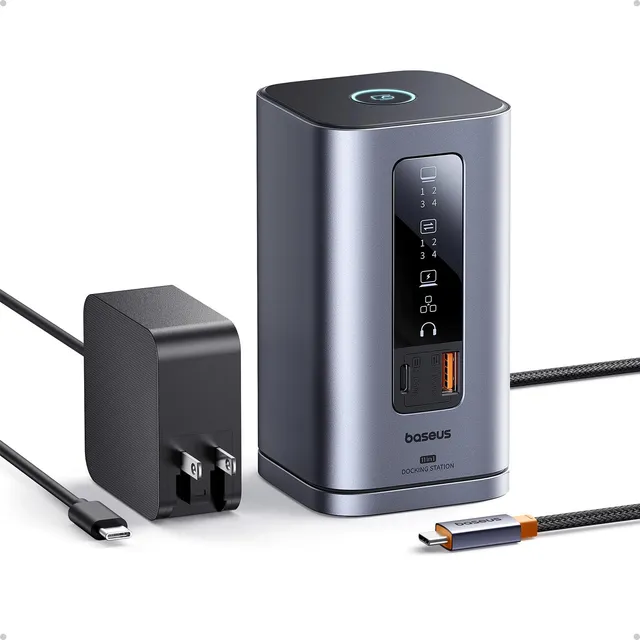
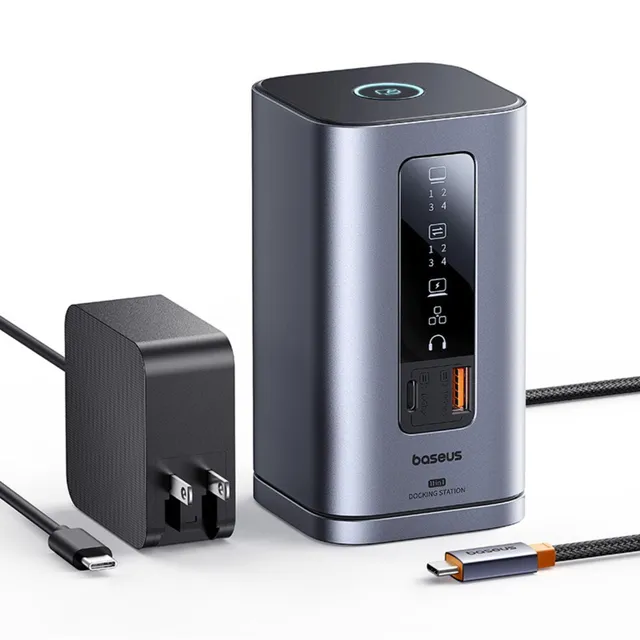
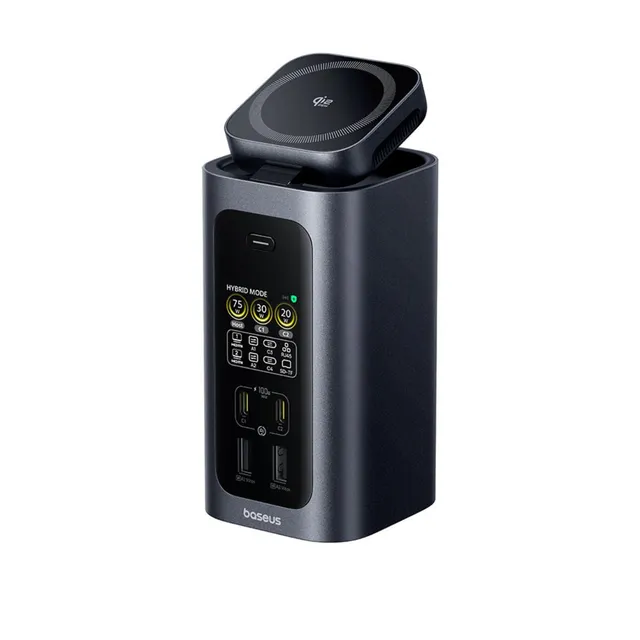
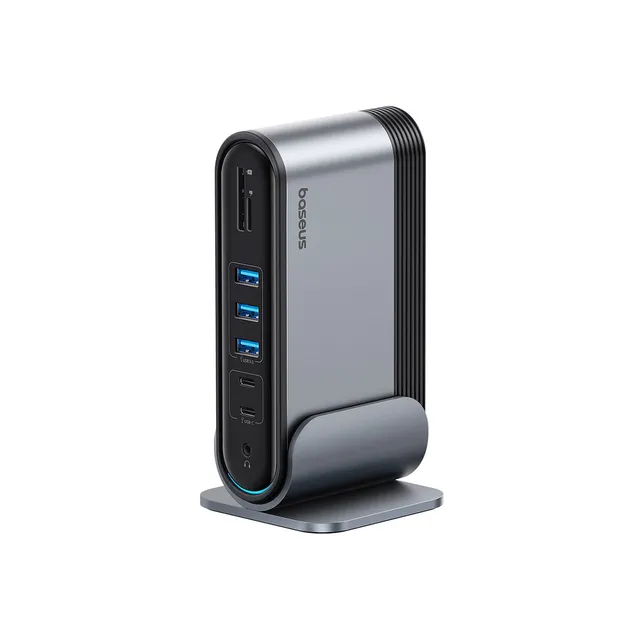
The Baseus Spacemate 11-in-1 Docking Station expands a single USB-C port into a full desk setup with triple monitors, 10Gbps data, 100W charging passthrough, and wired Ethernet. It's built for hybrid workers, dual-monitor professionals, and MacBook or Windows laptop users who want one-cable simplicity. On sale now for $67.50, down from $149.99 — order online and apply coupon LEAF10 for an extra 10% off.
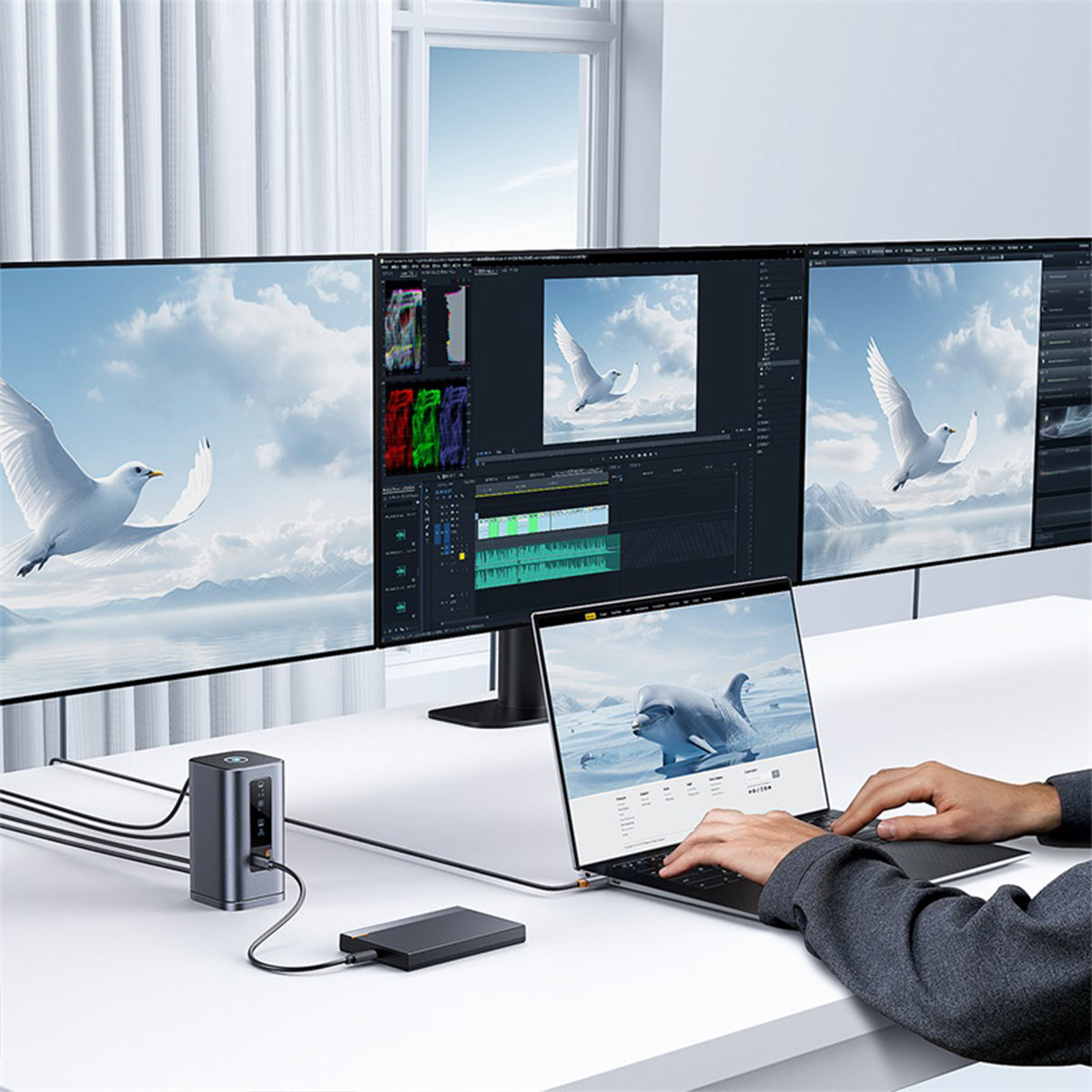
Baseus Spacemate Dual Monitor and Triple Display Setup
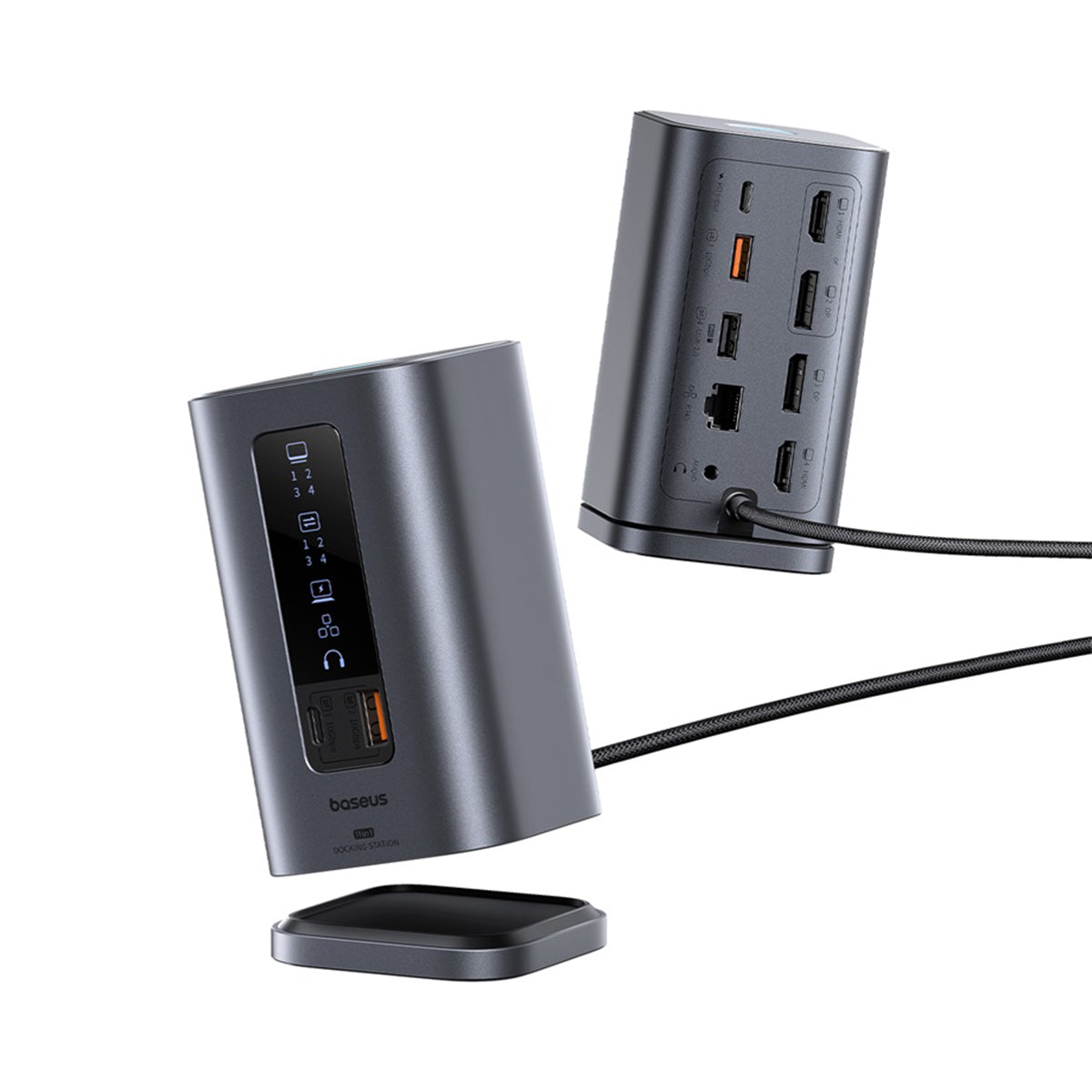
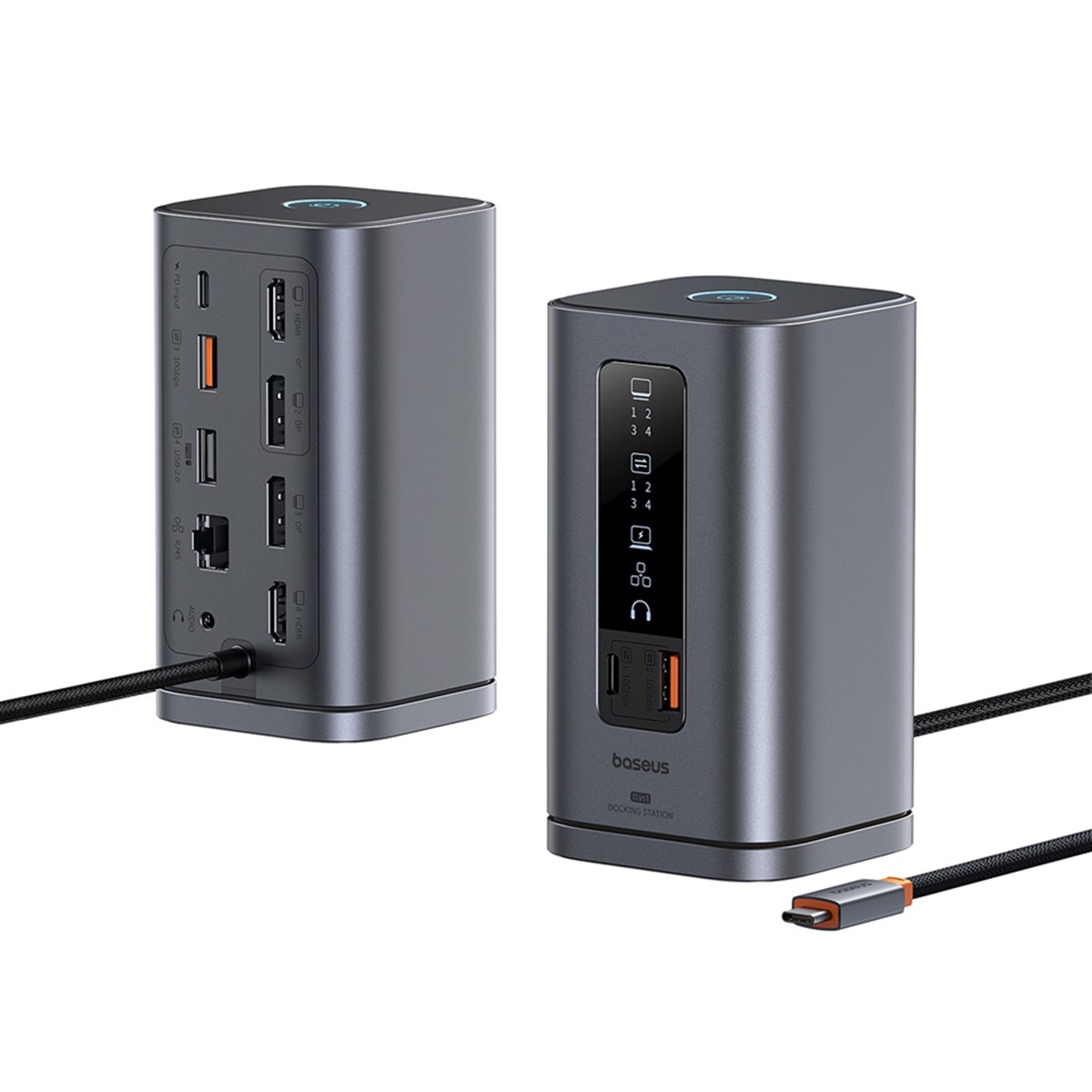
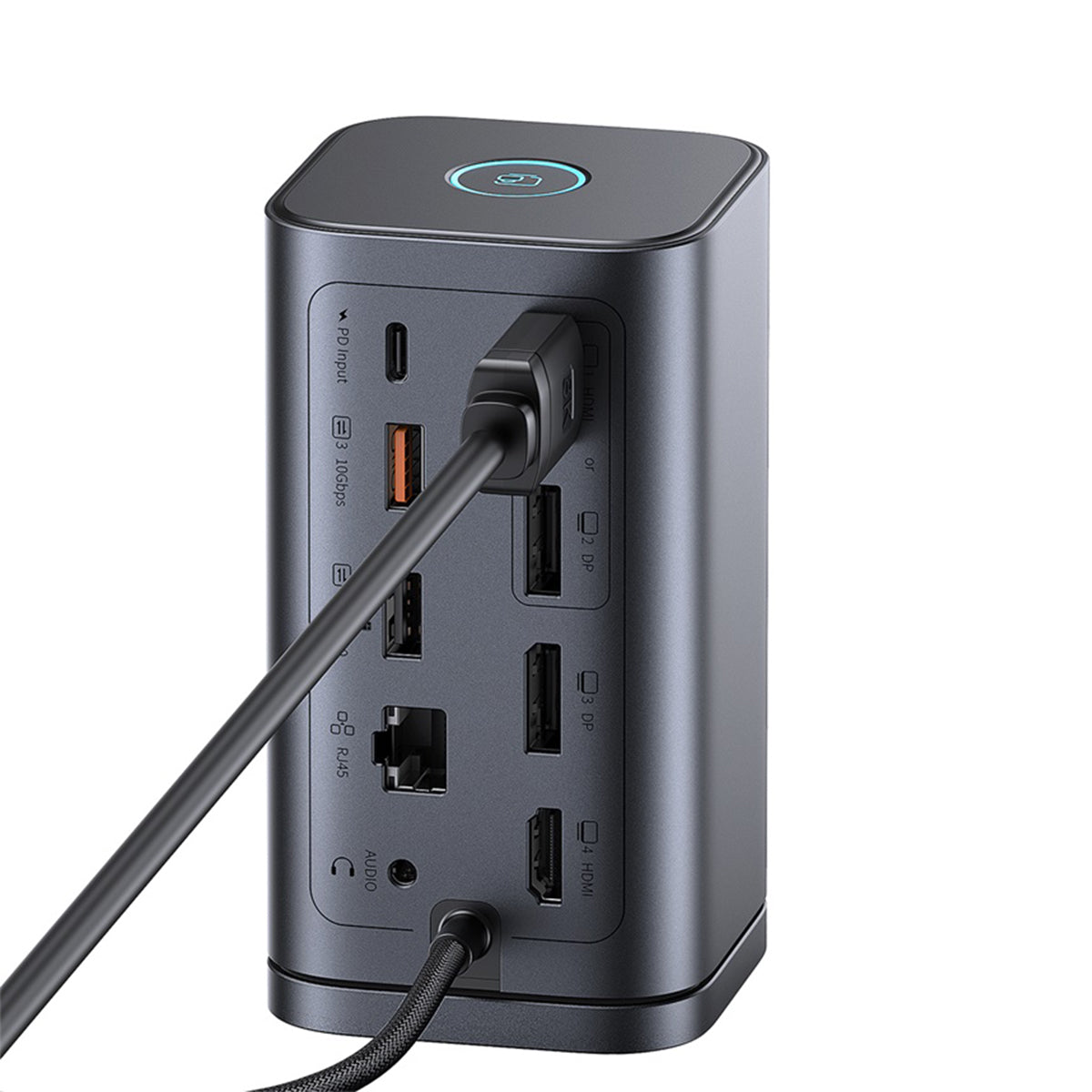
On Windows laptops, the Spacemate drives three external monitors at once via its 2x HDMI and 2x DisplayPort connectors — extend across three screens for trading, editing, or multitasking. Simply connect the dock to your laptop's USB-C port, attach monitors via HDMI or DP, and Windows extends automatically.
Baseus Spacemate M1 Mac Dual Display
On M1 MacBooks, the Spacemate supports dual displays: one extended external monitor plus a mirrored second display, alongside full peripheral, Ethernet, and 100W charging functionality. Windows users get full triple-display extension.
Specifications
- Brand: Baseus
- Series: Spacemate
- Product Type: 11-in-1 USB-C docking station
- Video: 2x HDMI, 2x DisplayPort (triple display on Windows)
- Data: USB-C 10Gbps, 2x USB-A 10Gbps, 1x USB-A 2.0
- Power: 100W USB-C PD input passthrough
- Network: Gigabit Ethernet
- Audio: 3.5mm AUX jack
- Compatibility: USB-C Windows laptops, MacBooks, tablets
Comparison: Spacemate vs Typical 11-in-1 Docks
Many 11-in-1 docks top out at dual HDMI with no DisplayPort. The Spacemate's 4 video outputs enable true triple-display Windows setups and 10Gbps USB-A/C data — specs usually found on docks costing $120+. At $67.50 it undercuts them by roughly half.
Price and Deal Value
$67.50 sale price vs $149.99 compare-at saves you $82.49. Coupon LEAF10 takes another 10% off, and adding accessories crosses the $45 free-shipping threshold. Buy the Baseus Spacemate online today — this promotional price won't last.
Best Use Cases
- Home office: one cable connects monitors, keyboard, Ethernet, and power
- Content work: triple screens for editing timelines and reference material
- Hybrid work: dock at home, undock and go in seconds