Add 2 more items to unlock your free mystery gift.
Complimentary item.
Total
Recommended add-on
Home/Baseus/Hubs & Docking Stations/Baseus Nomos NU1 Air Mac 12-in-1 USB-C Docking Station with Dual Display MST, 1Gbps Ethernet, 10Gbps USB, and 100W PD
-57%
Series
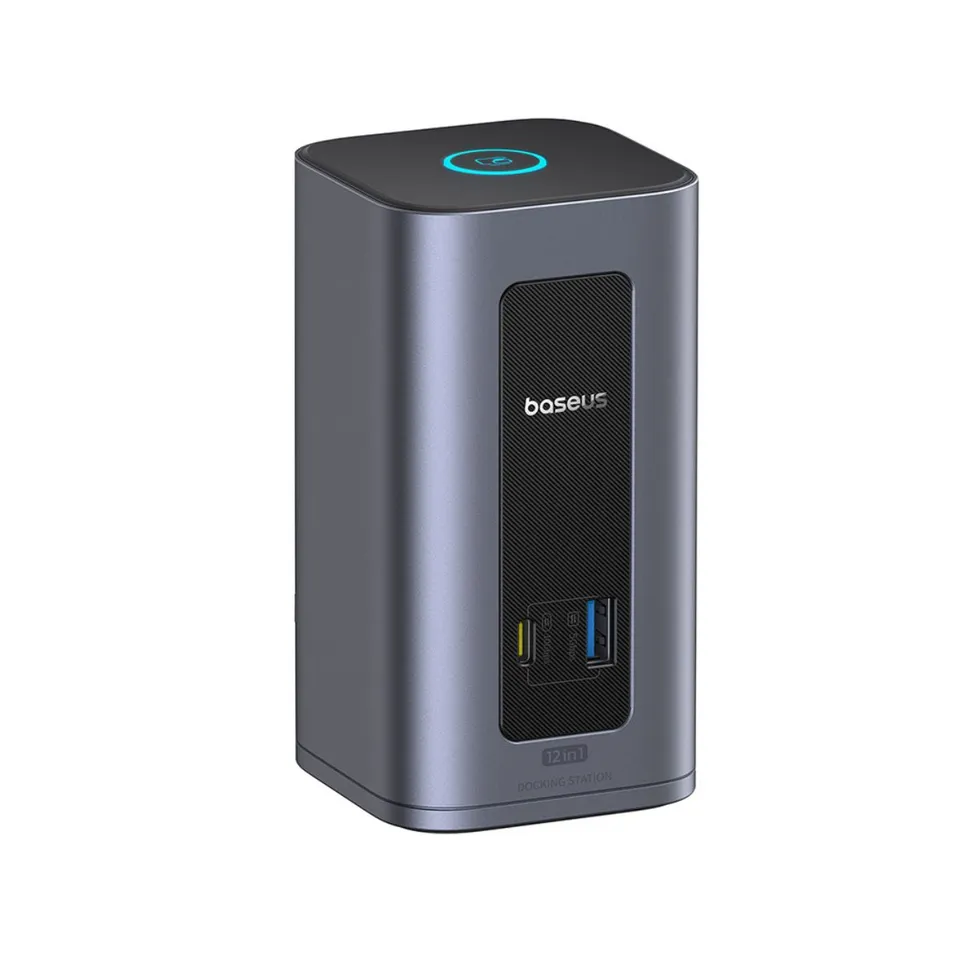
Baseus Nomos NU1 Air Mac 12-in-1 USB-C Docking Station with Dual Display MST, 1Gbps Ethernet, 10Gbps USB, and 100W PD
4.0 (3)
$199.99$85.00
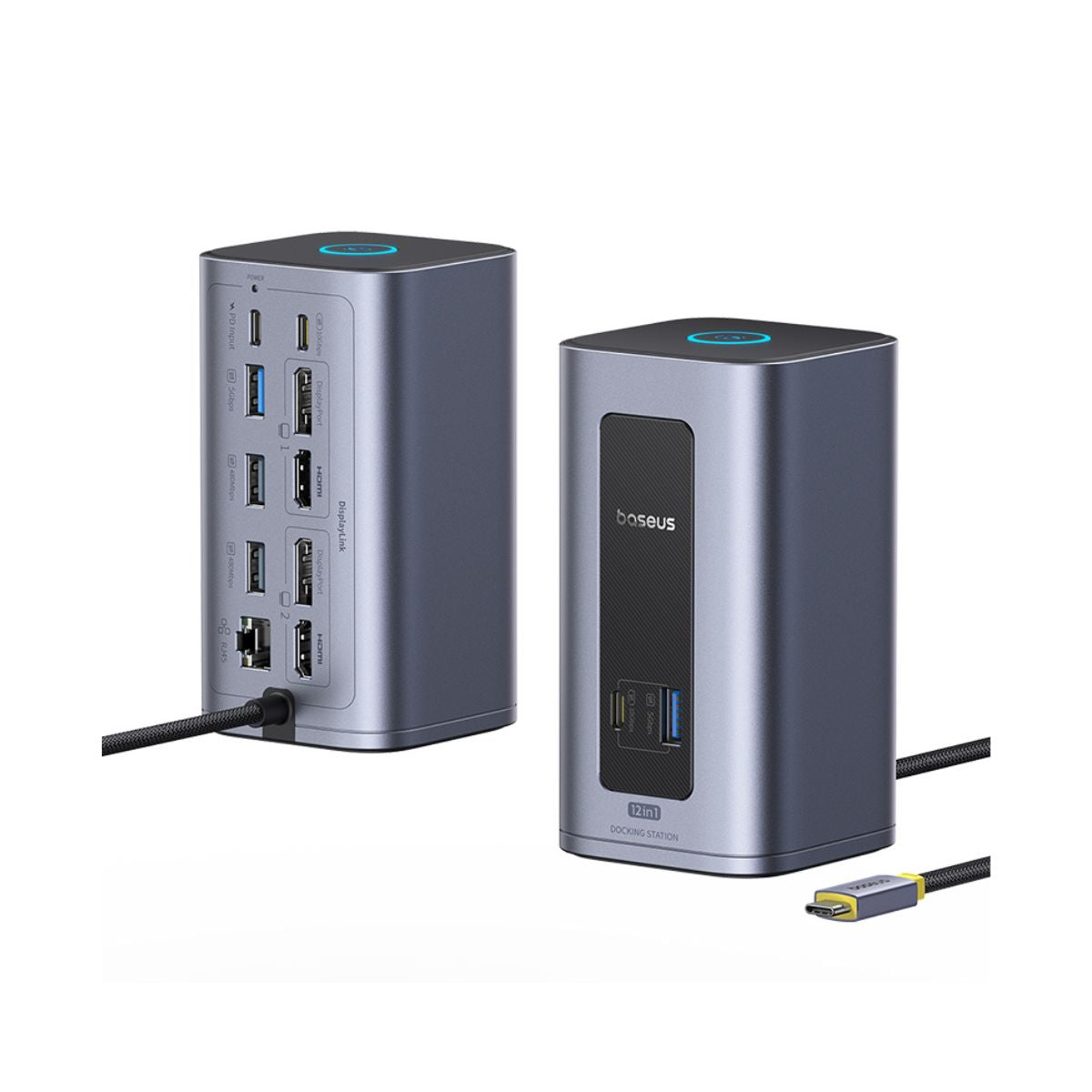
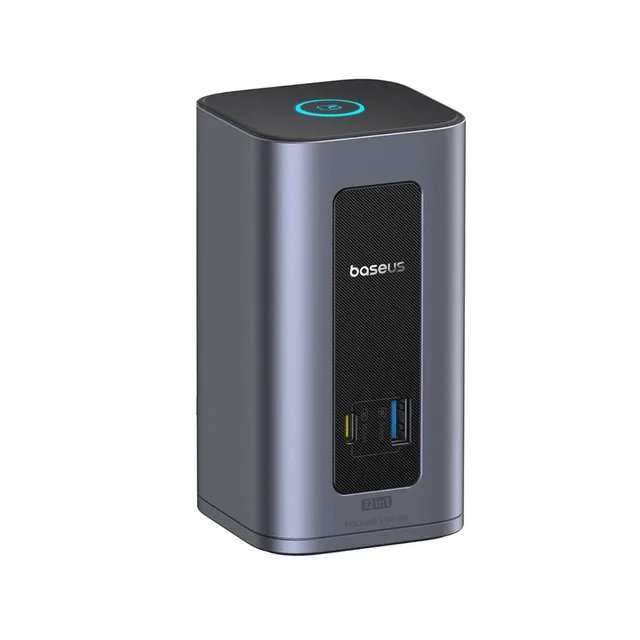
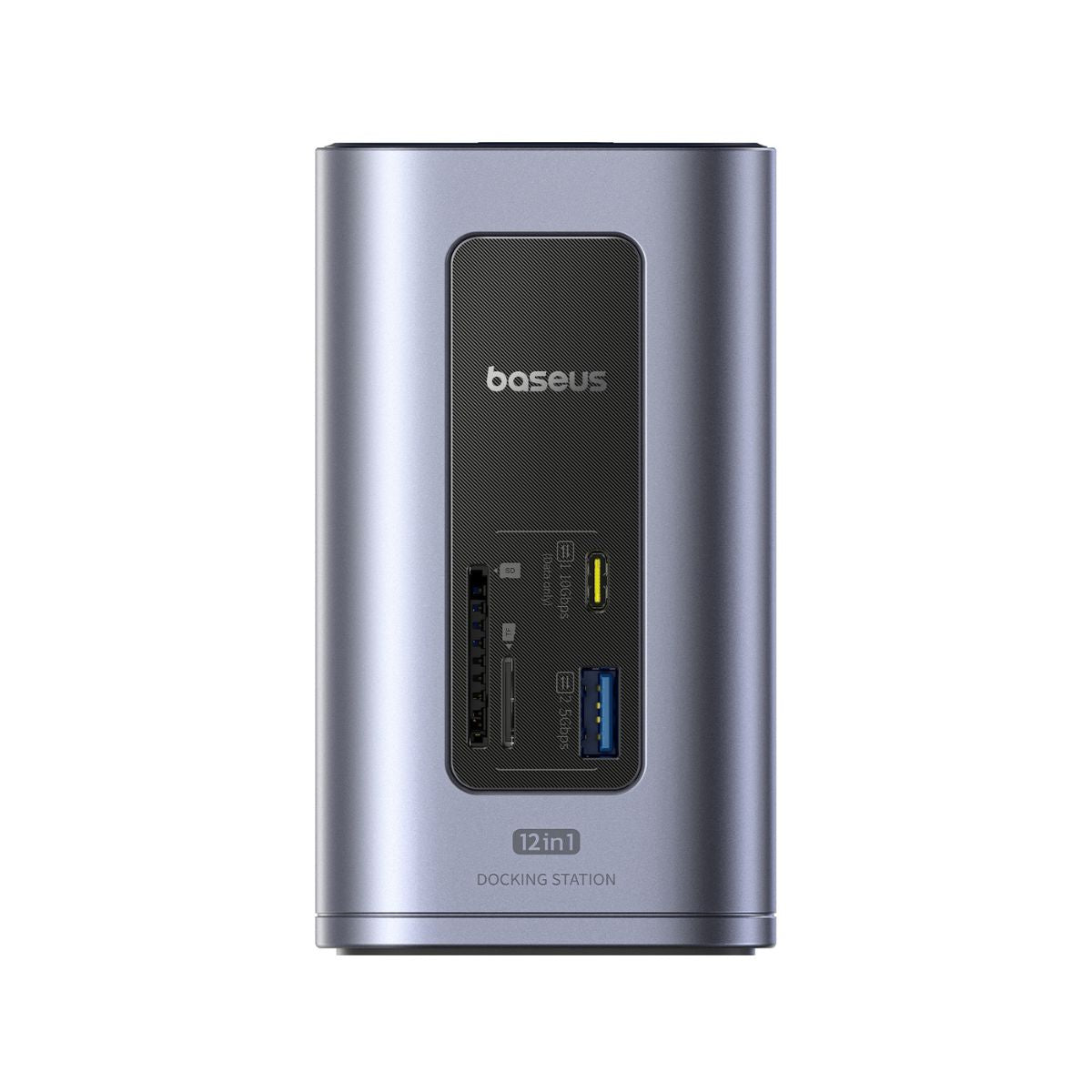
The Baseus Nomos NU1 Air Mac 12-in-1 docking station adds dual monitors via MST, 1Gbps Ethernet, 10Gbps USB ports, and 100W PD pass-through to your laptop, now $85.00 (57% off $199.99) with coupon LEAF10 savings online.
In Stock
-
1
+
Get it in 3–5 business days.
24 people are viewing this item.30 sold today.Only 9 left in stock.
Baseus Nomos NU1 Air Mac 12-in-1 Docking Station turns one USB-C port into a full workstation with dual display expansion, MST mode, 1Gbps Ethernet, 10Gbps USB ports, and 100W PD power distribution. At the current price of $85.00 — a $114.99 discount off $199.99 — it is the affordable deal for MacBook Pro and Windows laptop users. Apply coupon LEAF10 for an extra 10% at checkout.
Why Buy the Baseus Nomos NU1 Air Mac
Dual Display Expansion with MST Mode
Connect two external monitors via MST Mode 1 (with lock-screen and energy-saving support). Windows laptops support dual extended displays; Mac users should note macOS display limitations — install the DisplayLink driver before using screen extension for full multi-monitor support on MacBook Pro and MacBook Air.
Full Workstation Connectivity
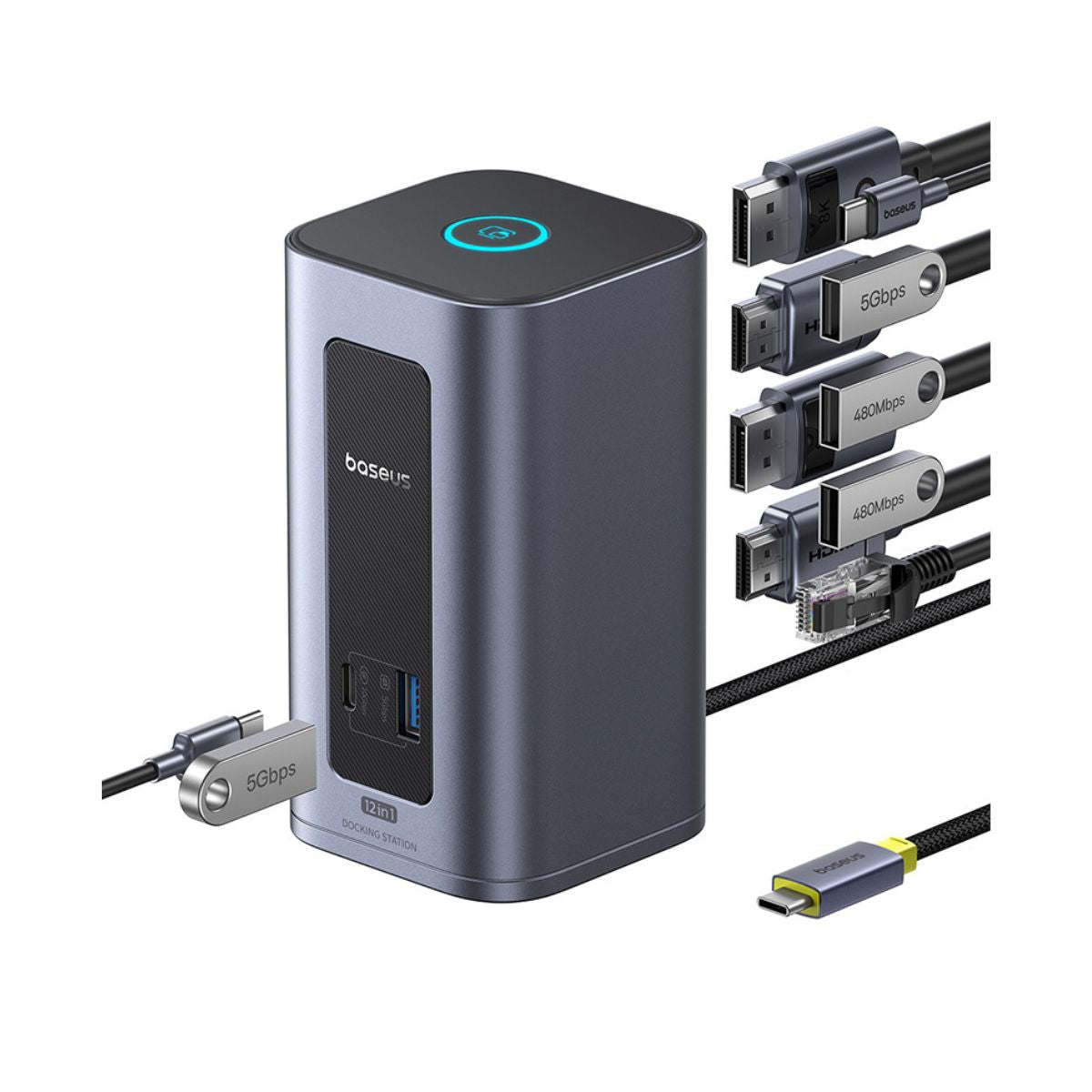
1Gbps Ethernet for stable wired networking
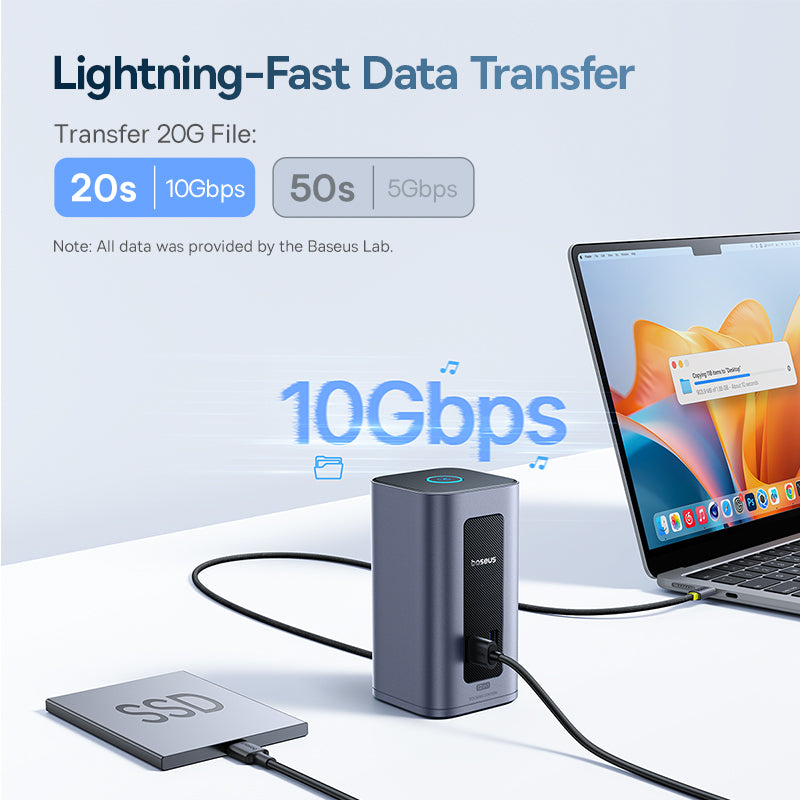
10Gbps USB ports for fast SSDs and peripherals
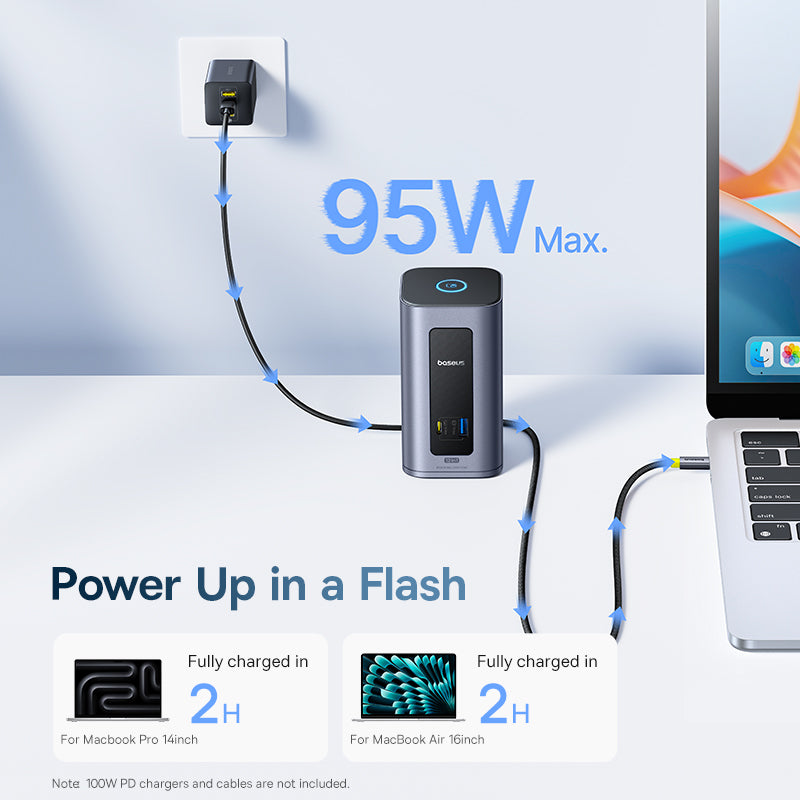
100W PD pass-through keeps your laptop charged while docked
Smart power chip manages 100W/65W power distribution automatically
Specifications
Brand: Baseus
Series: Nomos
Model: NU1 Air Mac
Product Type: 12-in-1 USB-C docking station
Display: Dual display expansion, MST Mode 1
Ethernet: 1Gbps
USB: 10Gbps ports
Power Delivery: 100W PD pass-through, 100W/65W distribution
Chip: Smart power distribution chip
Driver Note: DisplayLink driver required for screen extension
Compatibility
MacBook Pro, MacBook Air, Thunderbolt and USB-C Windows laptops, external monitors, wired networks, and USB-C peripherals.
Use Cases
MacBook Pro dual-monitor desk setup
Home office docking with Ethernet
Hot-desk workstation expansion
Price and Deal Value
Current price: $85.00 (compare at $199.99) — save 57%. Coupon LEAF10 adds 10% more. Free shipping on orders over $45.00. Buy the Baseus Nomos NU1 Air Mac online at AmpLeaf Goods today.
Features
12-in-1 expansion with dual display MST mode, 1Gbps Ethernet, and 10Gbps USB ports turns any USB-C laptop into a full workstation
100W PD pass-through with a smart power chip charges your MacBook Pro while docked at full speed
57% deal off the $199.99 compare-at price at $85.00, plus coupon LEAF10 for an extra 10% online savings
Model: NU1 Air Mac
Coupon: LEAF10 – extra 10% off
Series: Nomos
Ethernet: 1Gbps
USB Speed: 10Gbps
Sale Price: $85.00
Product Type: 12-in-1 USB-C docking station
Compatibility: MacBook Pro/Air, Thunderbolt, USB-C Windows laptops
Driver Requirement: DisplayLink driver for screen extension
Power Distribution: 100W / 65W smart chip
Seller: AmpLeaf Goods
MPN: NU1 Air Mac
Product Details
Baseus Nomos NU1 Air Mac – One Dock Does It All, $85.00
Twelve ports, dual displays, and 100W charging in a compact footprint. Set up your workstation once and connect with a single cable.
Setup Tips
Install the DisplayLink driver before screen extension
Use MST Mode 1 for dual-monitor extended desktops on Windows
Connect Ethernet for lag-free video calls and large file transfers
Comparison vs. Alternatives
Compared to Thunderbolt docks at $200+, the NU1 Air Mac delivers dual display expansion, 10Gbps USB, and Ethernet at less than half the price — the smart affordable choice for MacBook and Windows workstations.
Deal Value
$85.00 sale, $199.99 compare-at, extra 10% with LEAF10, free shipping over $45.00. Buy online at AmpLeaf Goods.
Frequently Asked Questions
Does the Baseus Nomos NU1 Air Mac support dual monitors on a MacBook Pro?
Yes. Download the DisplayLink driver before using screen extension, then connect two external displays through MST-based expansion for multi-monitor MacBook Pro and Air setups.
Where can I buy the NU1 Air Mac docking station online and at what price?
Buy it at AmpLeaf Goods for $85.00 — 57% off the $199.99 compare-at price — with free shipping on orders over $45.00.
Is there a coupon or promotion available?
Yes, coupon code LEAF10 gives an extra 10% off the already-discounted $85.00 sale price at checkout.
How does the NU1 Air Mac compare to cheaper USB-C hubs?
Cheaper hubs offer single 4K output and 60W pass-through; the NU1 Air Mac adds dual display MST, 1Gbps Ethernet, 10Gbps USB, and 100W PD — far more affordable value per port.
What laptops is the NU1 Air Mac compatible with?
MacBook Pro, MacBook Air, Thunderbolt 3/4 laptops, and USB-C Windows laptops with DisplayPort Alt Mode.
4.0★★★★★★★★★★(3)
5 ★1
4 ★1
3 ★1
2 ★0
1 ★0
Customer Reviews
3
★★★★★★★★★★5.0
h*****n
Verified
Home office upgrade complete
Dual monitors over MST work flawlessly with my ThinkPad, and the 1Gbps Ethernet is rock solid for my video calls. All 12 ports do what they claim. 100W pass-through keeps the laptop charged while everything is connected. Hard to believe this replaced a dock that cost three times as much.
★★★★★★★★★★3.0
w***q
Verified
Works well but runs hot
The dual display setup and wired ethernet are great for my desk. However the aluminum body gets quite warm during long work sessions. It hasn't caused any issues in two months of use, just something to be aware of.
★★★★★★★★★★4.0
q***o
Verified
Excellent value for remote work
I work from home full time and needed one cable to connect everything. This dock handles dual 4K monitors, gigabit ethernet, my keyboard, mouse, and external SSD without a hiccup. The 10Gbps USB ports move big files fast. Setup was plug and play on Windows. Knocked one star only because the MST dual-display feature took some display driver fiddling on my laptop, but once configured it's been perfect.